How to create an account and start using ChatGPT?
How to create a ChatGPT account step by step - a short guide for beginners, from sign-up and password to phone verification.
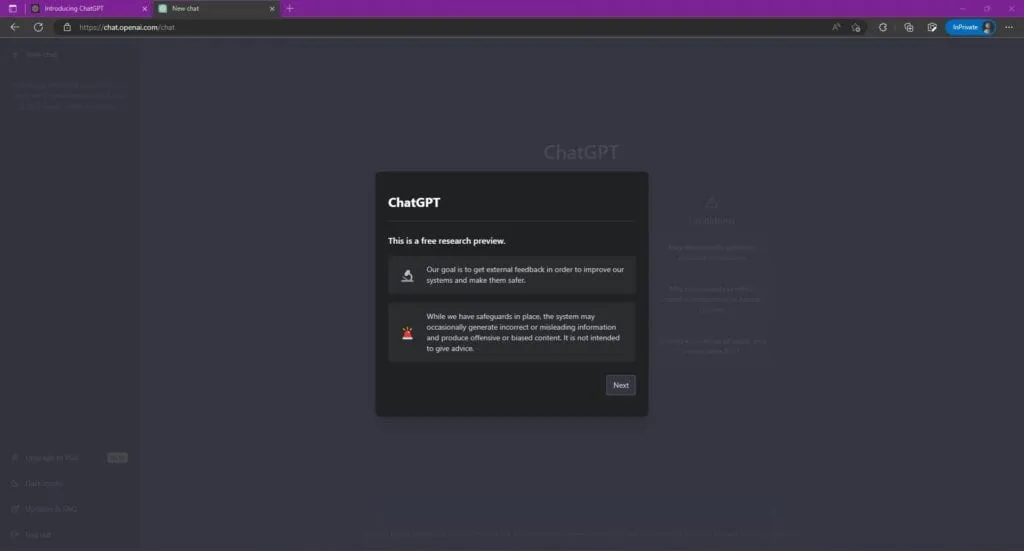
In this post I will go through how to create an account in the ChatGPT tool. You will also learn what information you need to register and how to secure your account.
Creating an account
- We go to the page: https://chat.openai.com/auth/login
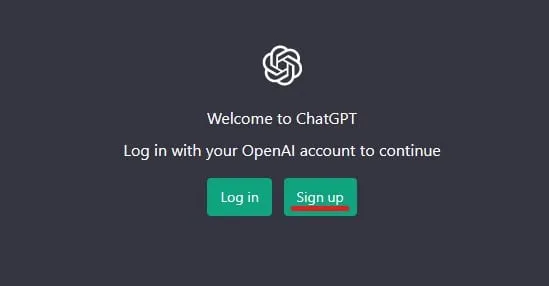
Creating a ChatGPT account
2. We give an e-mail address or log in with a Google or Microsoft account.
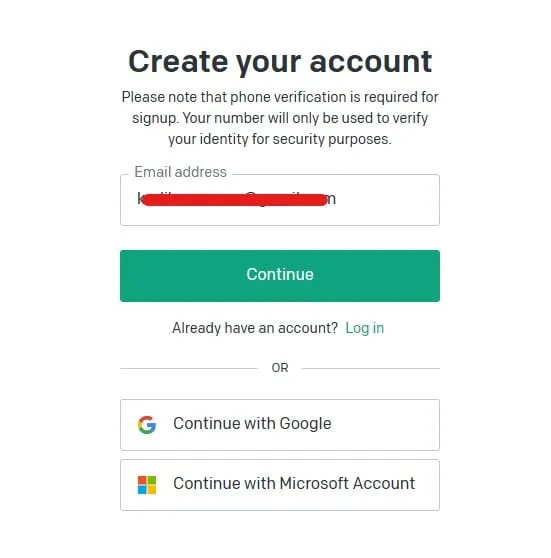
Creating a ChatGPT account - entering the e-mail address
3. We type in the password we want. I recommend more than 8 characters and a mix of different character types. The best way is to use a generator such as Keepass or Bitwarden.
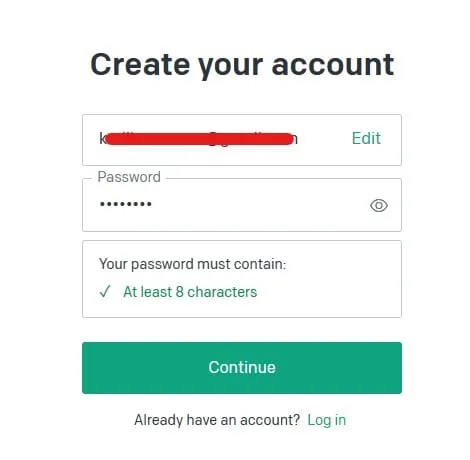
Creating a ChatGPT account - entering the password
4. Once the account is created correctly, we get a message that we need to verify the e-mail address.
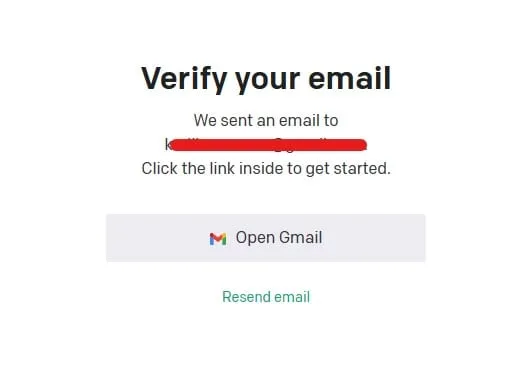
Creating a ChatGPT account - e-mail address verification
5. We verify our e-mail address.
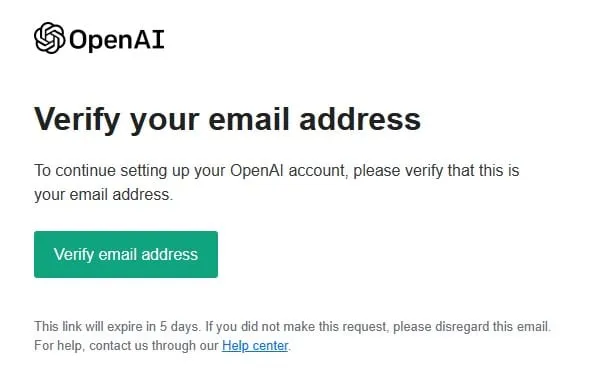
Creating a ChatGPT account - e-mail address verification
6. In the next window we get a message that we need to give our first and last name, and information about accepting the Open.AI terms. We read them, and if we accept them, we move on.
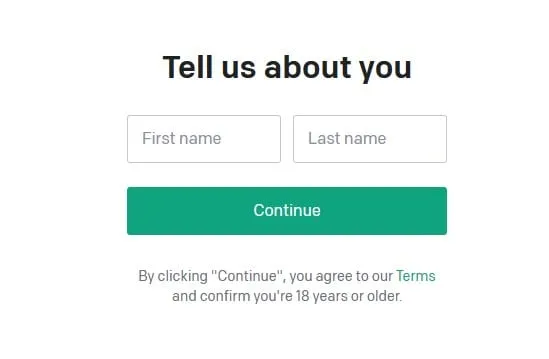
Creating a ChatGPT account - first and last name
7. A phone number is required to create the account. A code will be sent to that number, and you have to type it into the next window.
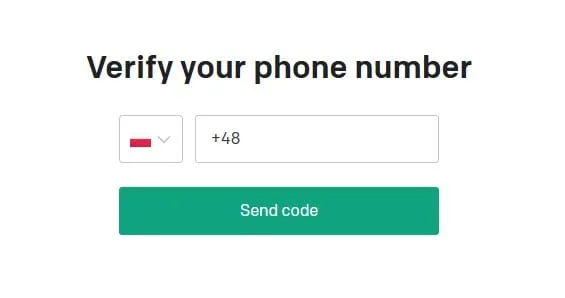
Creating a ChatGPT account - entering the phone number
8. After a successful verification you can log in to your ChatGPT account. To do that, go to the page: https://chat.openai.com/auth/login and choose Log in.
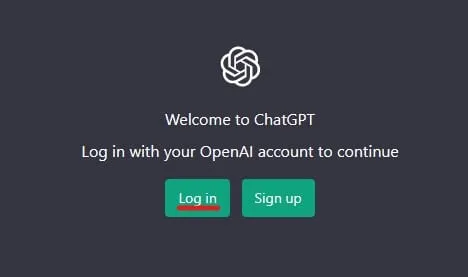
Creating a ChatGPT account - logging in
9. After logging in to our account we see the start screen of the ChatGPT tool, where we can already type in commands (prompts).
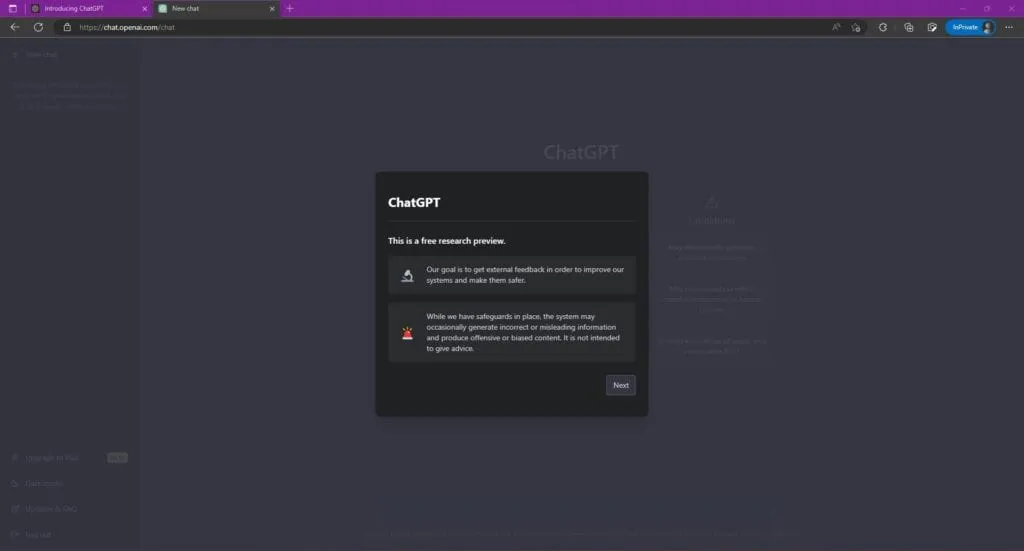
Creating a ChatGPT account - the start screen
New posts also go out over RSS — no email address needed. Subscribe via RSS