Locally AI — LM Studio on your iPhone
LM Studio presents Locally AI - an iOS app with language models that run offline. No subscription, no cloud, no limits. I check what it can do.
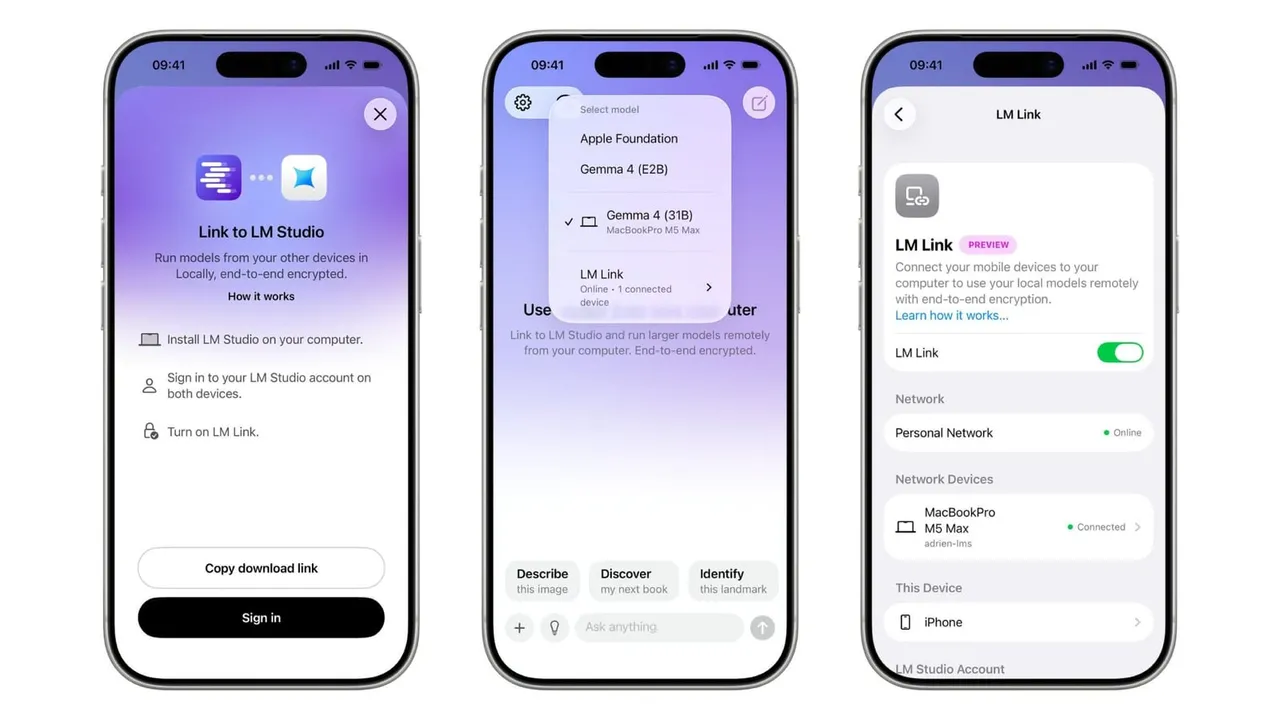
AI without a subscription and without the cloud, running straight on your phone.
Today I will show another curiosity, a new release from LM Studio: the mobile app Locally AI.
The app is available on iOS devices and you can download it from the official LM Studio site or by searching for the name Locally AI (QR code below).
Once installed, you can pick which model you want to use, and the options include: Bonsai, Qwen 3.5, LFM 2.5, Ministral 3, SmolLM 3, Gemma 3, Gemma 3n, Llama 3.2 and a few others.
Locally AI has a Link to LM Studio function built in, so you can use larger language models, for example ones running on a computer or another machine. An interesting thing to think about in terms of the security of this function.
For people who like voice assistants and use iOS shortcuts, that kind of integration is there too.
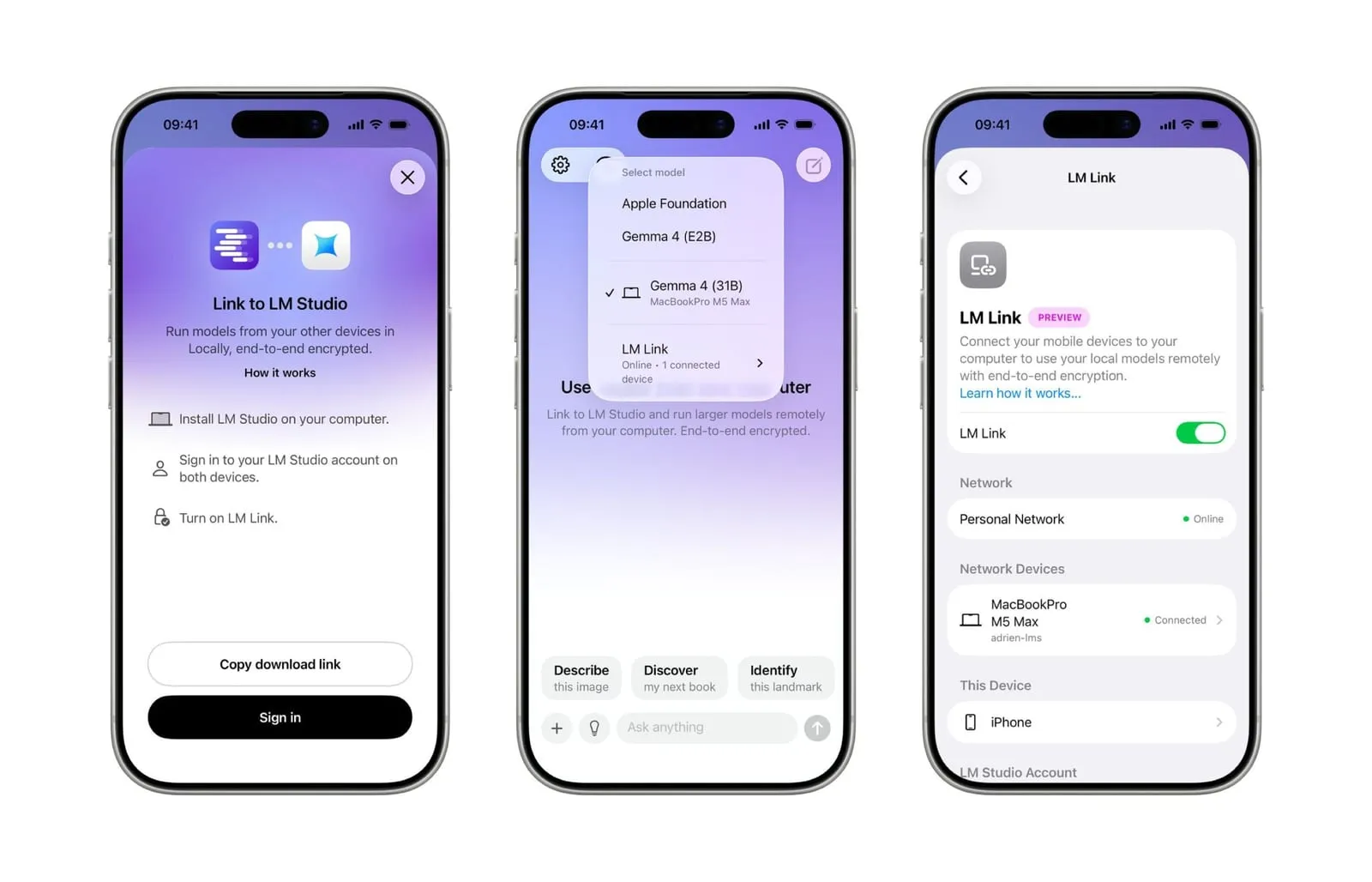

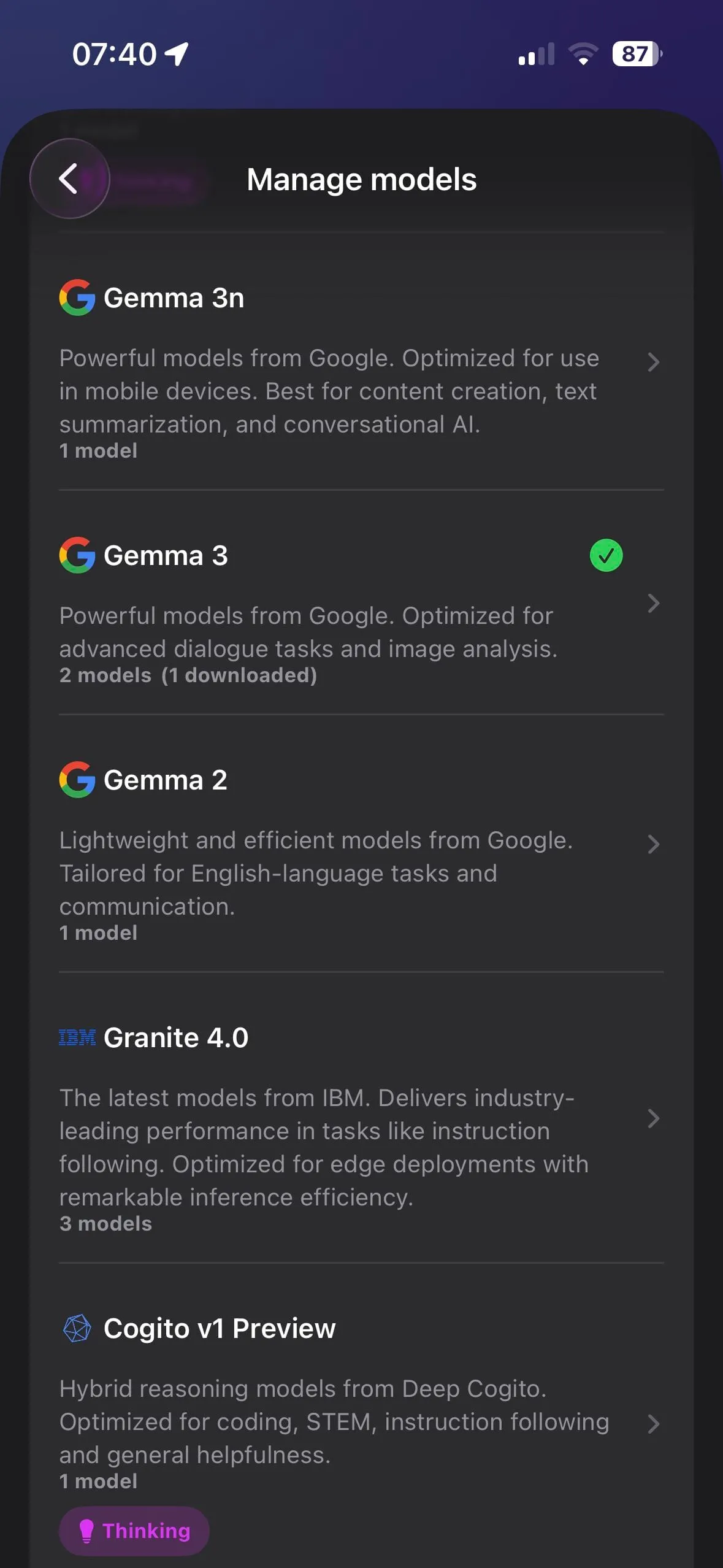
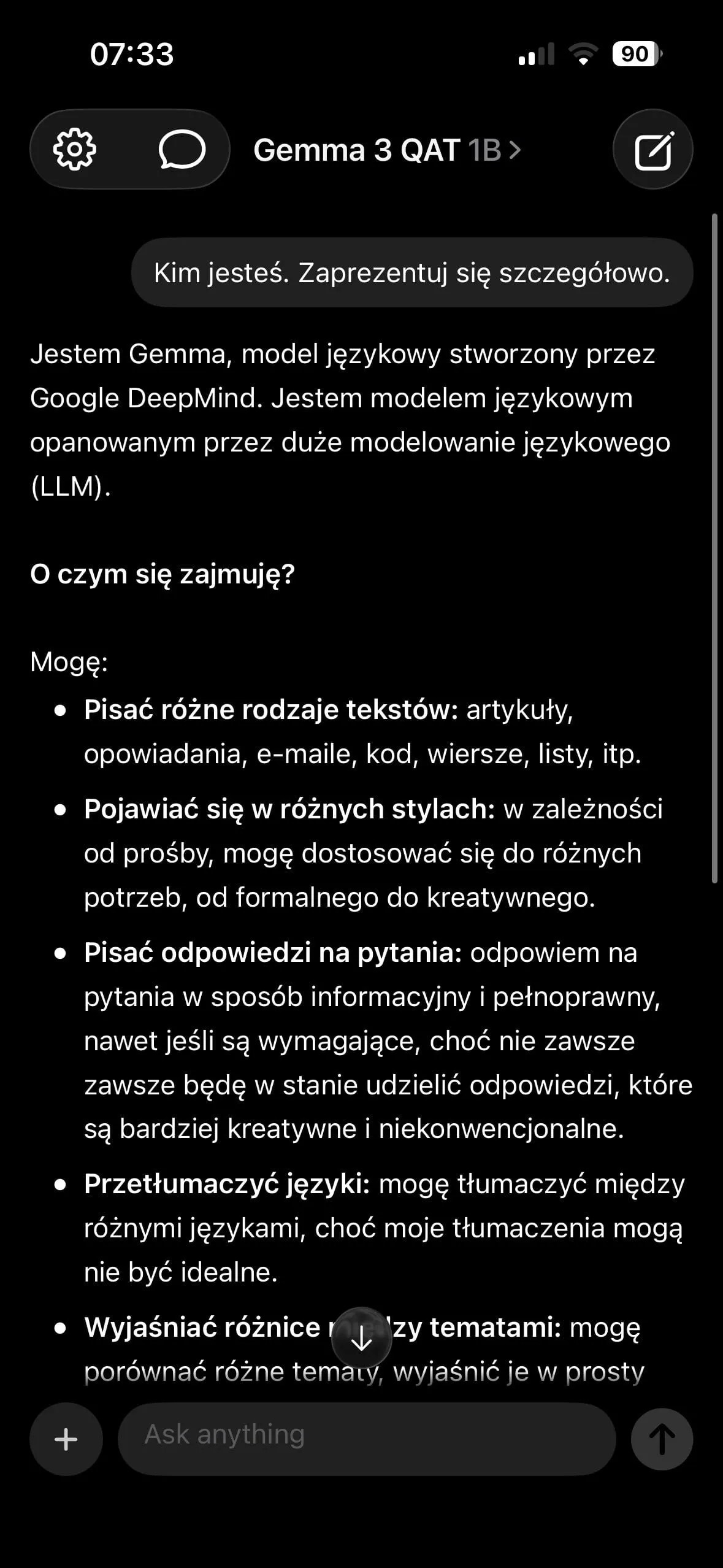
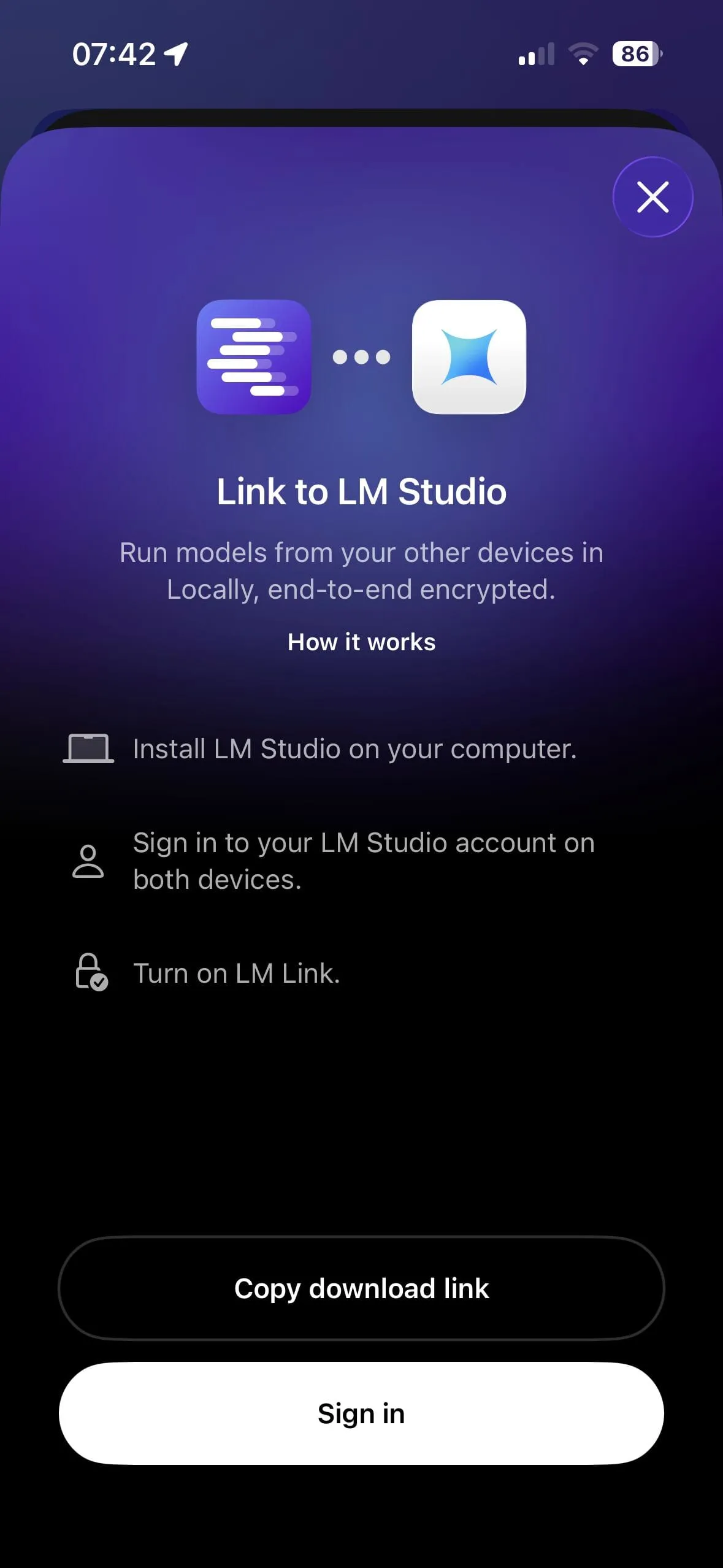
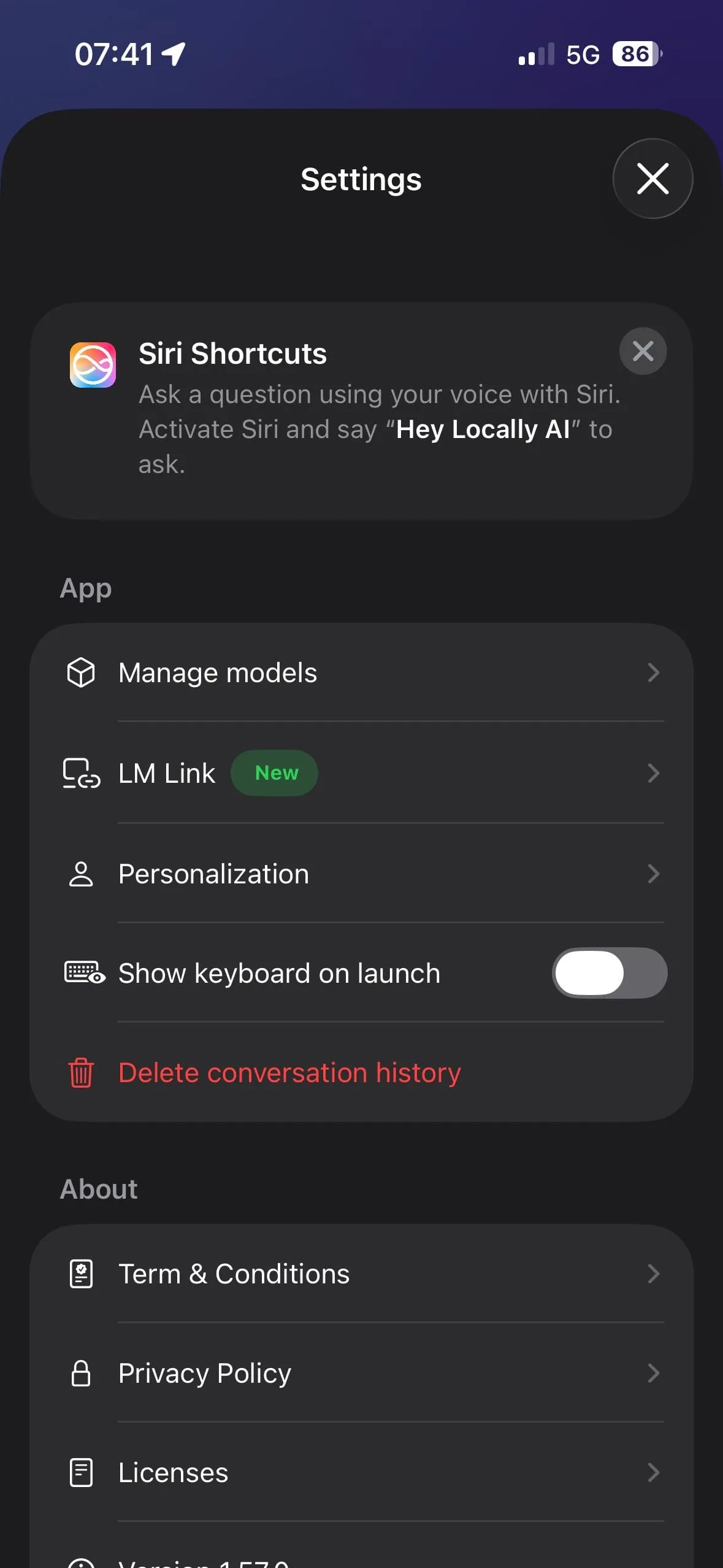
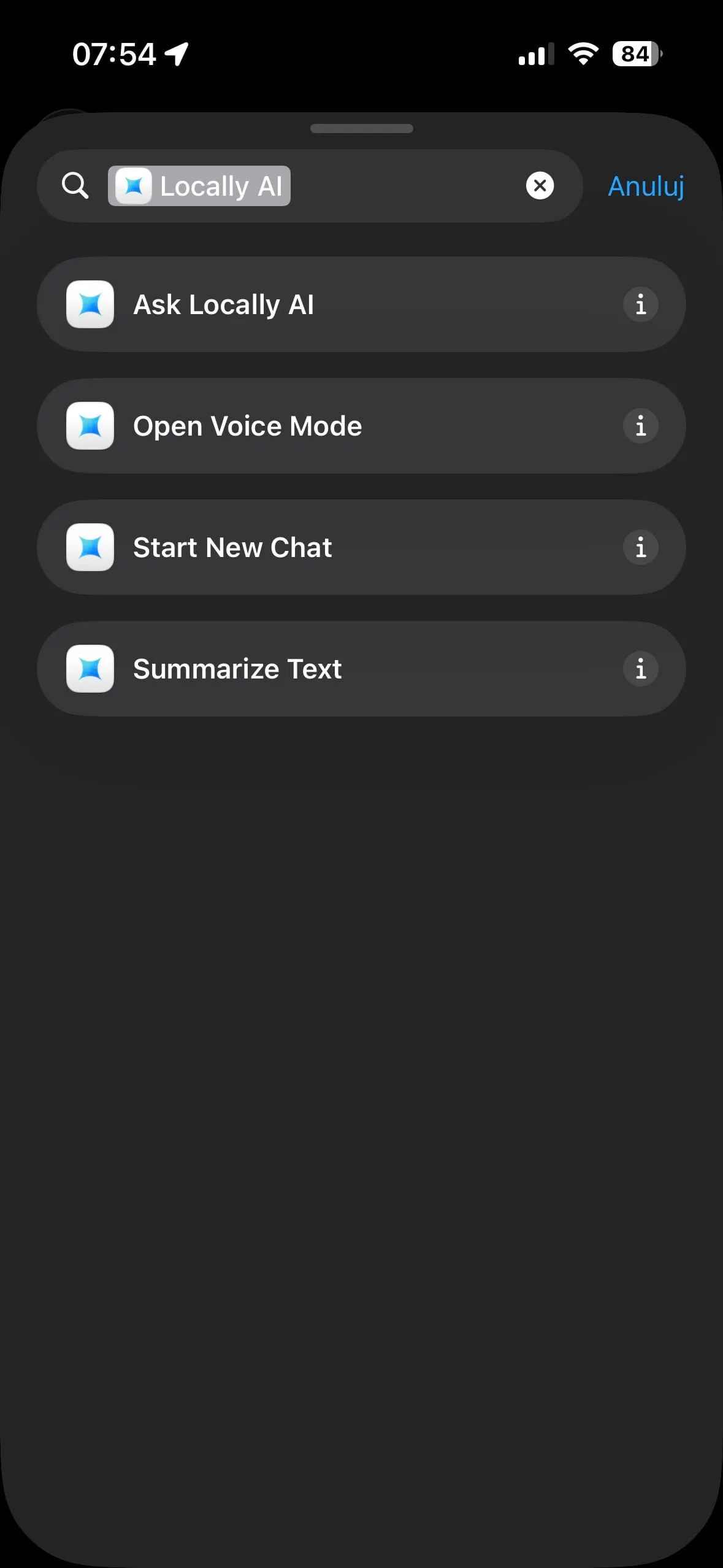
Screenshots below (the one with three views and the QR code): Element Labs, Inc. © 2026 (LM Studio). The rest taken by me.
New posts also go out over RSS — no email address needed. Subscribe via RSS