Private artificial intelligence on an iPhone or a Mac? I am testing Enclave AI
I am testing small offline AI models on my phone. You may ask: how, with no internet connection? Yes, I downloaded Enclave AI for that. Here is how it works.
I am testing small AI models in an offline version on my phone right now.
You may ask how that is possible, with no internet connection?
Yes, I downloaded Enclave AI for that.
Enclave AI is available on iOS and macOS devices and lets you run language models with no internet connection.
How to do it?
After you download the app, you launch it and choose which language model you would like to use. That is exactly what the model manager is for.
In the manager you will find recommended offline models and cloud models (the option that sends queries to a server once you provide an API key - paid). If the model you want is not on the list, you can press the plus in this window and search the Hugging Face database. You do get a warning, though, that models which are too big may cause problems.
Once you pick your model and download it, you run it and you can work with it right away.
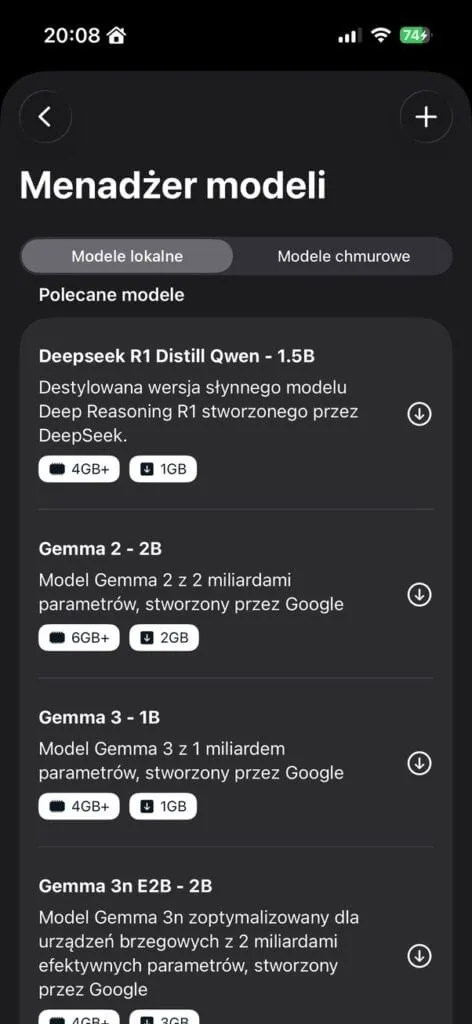
Screenshot from the Enclave AI app
The app lets you set a “system prompt”, that is the instruction on how your language model should behave. This is how we set up our assistant.
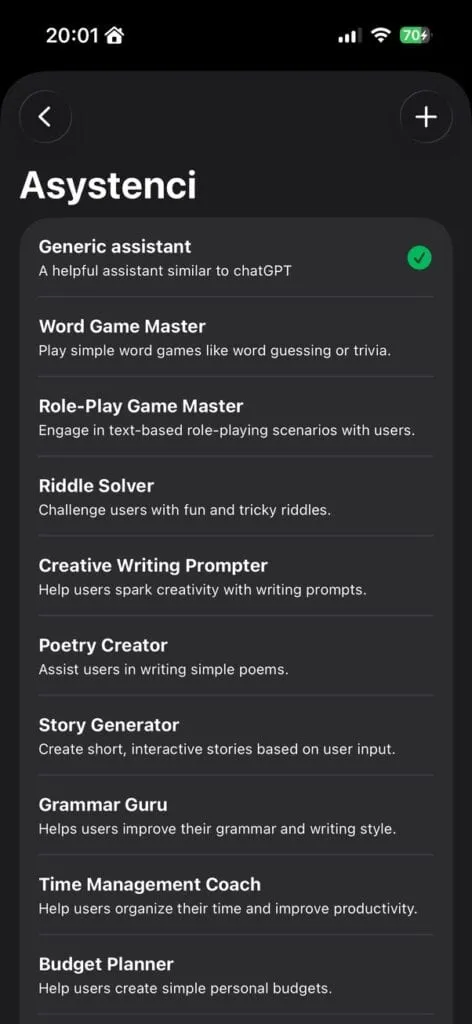
Screenshot from the Enclave AI app - Assistants
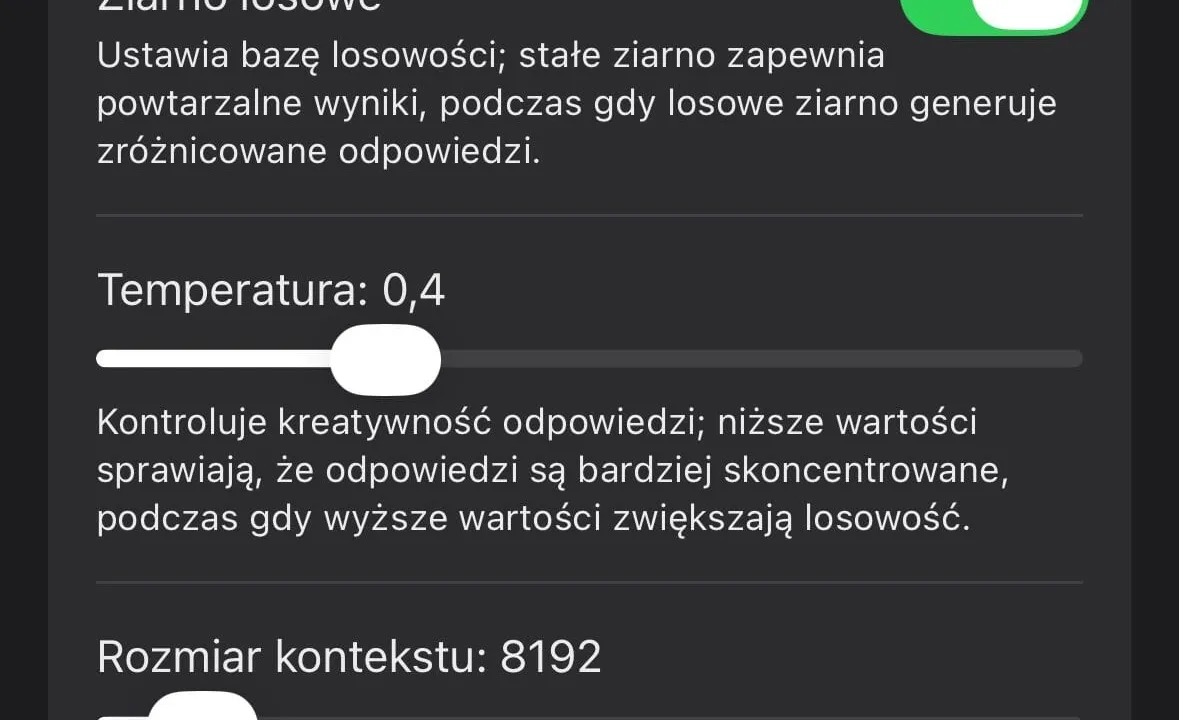
On top of that, in the chat settings you can set the temperature and the context size.
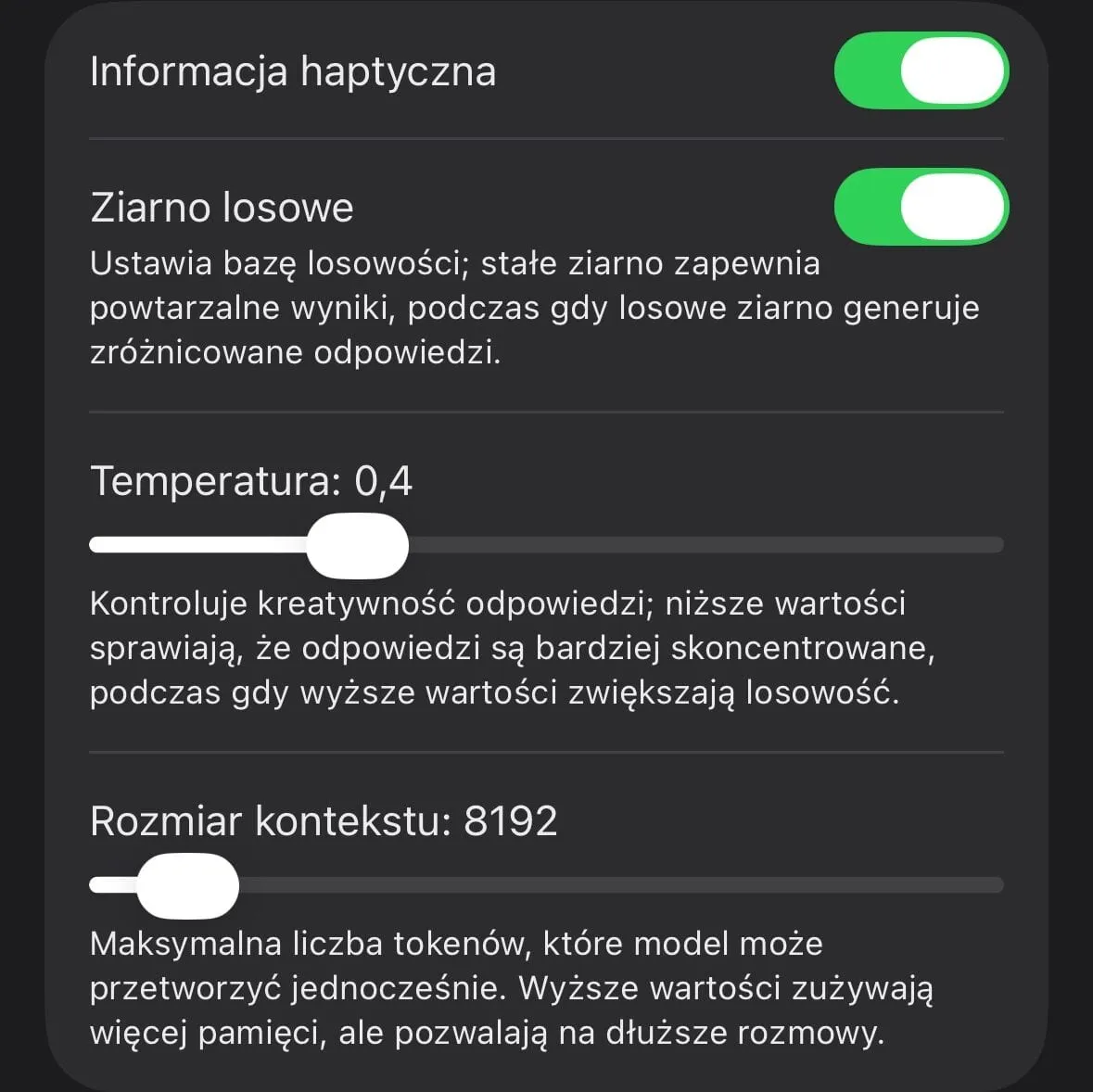
Part of the Enclave AI app screen - AI response settings
Enclave AI allows the analysis of documents, such as PDF or other text files. To do that you choose the “plus”. Note that a voice conversation is available as well.
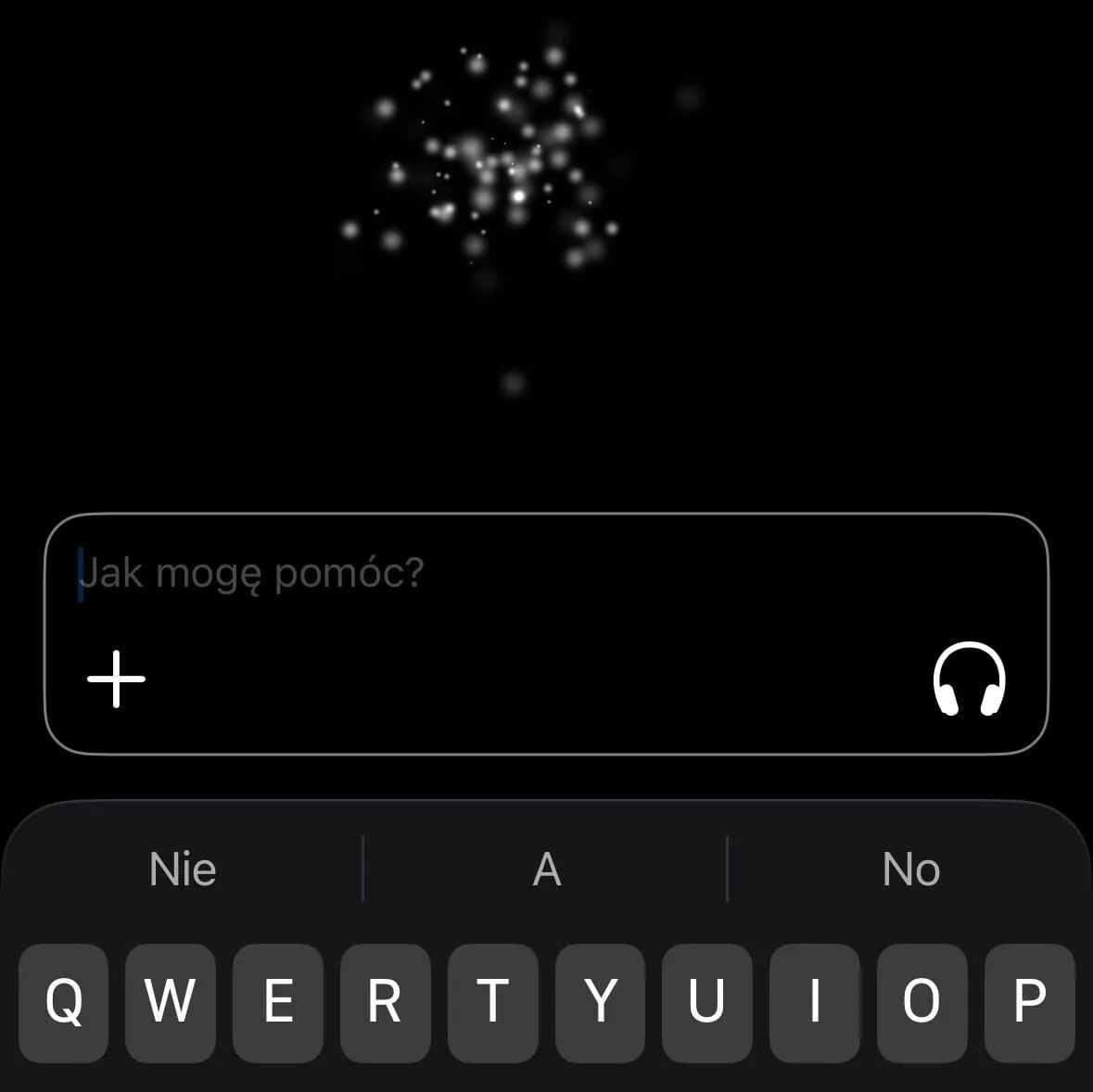
Part of the Enclave AI app screen - The conversation window
People who like automations will surely be glad to hear that Enclave AI is available in the Shortcuts app. Thanks to that we can quickly run the query we want in the chosen model and with the system instruction we set earlier.
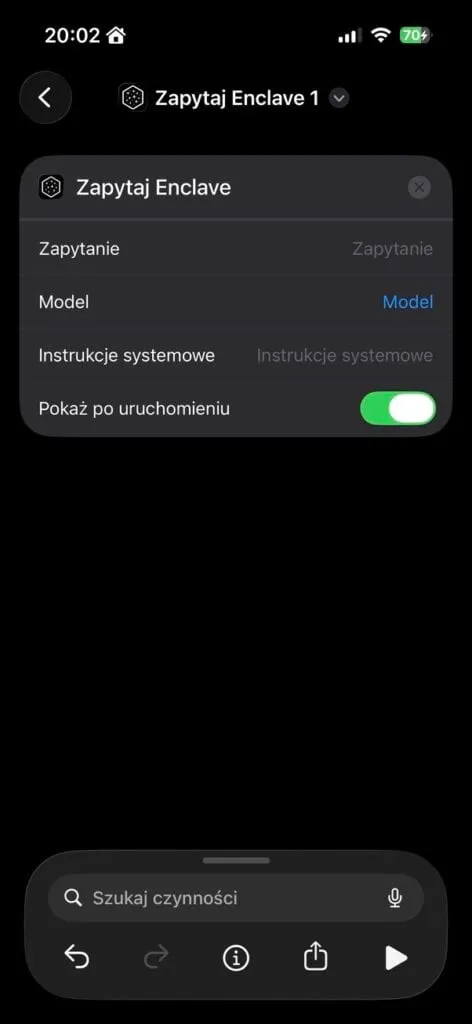
Screenshot from the Enclave AI app - iOS Shortcuts
I am still testing this app.
Right now I am checking how it works with Bielik (a Polish language model) and I have already noticed that it does the job, but the conversation is not as smooth as on a personal computer. With bigger language models you can see the phone slowing down and heating up. It seems to me that it will be perfect for smaller tasks. I think the app is worth a look.
You will find out more on the project website, Enclave AI. The developer says that the data we type into the app stays private (of course when we use local models).
Have you used this solution? What do you think about Enclave AI?
New posts also go out over RSS — no email address needed. Subscribe via RSS