How I set up OpenBot, a place for AI agents, on a VPS
A place for AI agents on your own server in 5 steps: the cheapest VPS at OVH, Ubuntu 26.04.1, security basics, Docker and OpenBot. Written by a layman, not a programmer.
AI machine translationTranslated from Polish by AI. It may contain errors.
AI machine translation. This English version was translated automatically from the Polish original using AI and has not been reviewed by a human. The Polish version is the original. Read the Polish original
How did I set up OpenBot, a place for AI agents, on a VPS?
-
I found a VPS. I chose the cheapest one at OVH (2 vCores, 4 GB RAM, 40 GB NVMe SSD). I picked this provider because I already have a few other services there.
-
I asked Grok which Linux distribution to choose. It suggested that Ubuntu 24.04 would be best in my case (OpenBot was tested on it). I installed it, but later I moved to version 26.04.1 anyway.
-
I asked it for a full installation and for securing the server. It suggested creating a user and adding it to sudo. I also set up the basic security measures it suggested.
-
Next, I installed Docker and Docker Compose.
-
I set up OpenBot in Docker (isolated from the rest of my future projects).
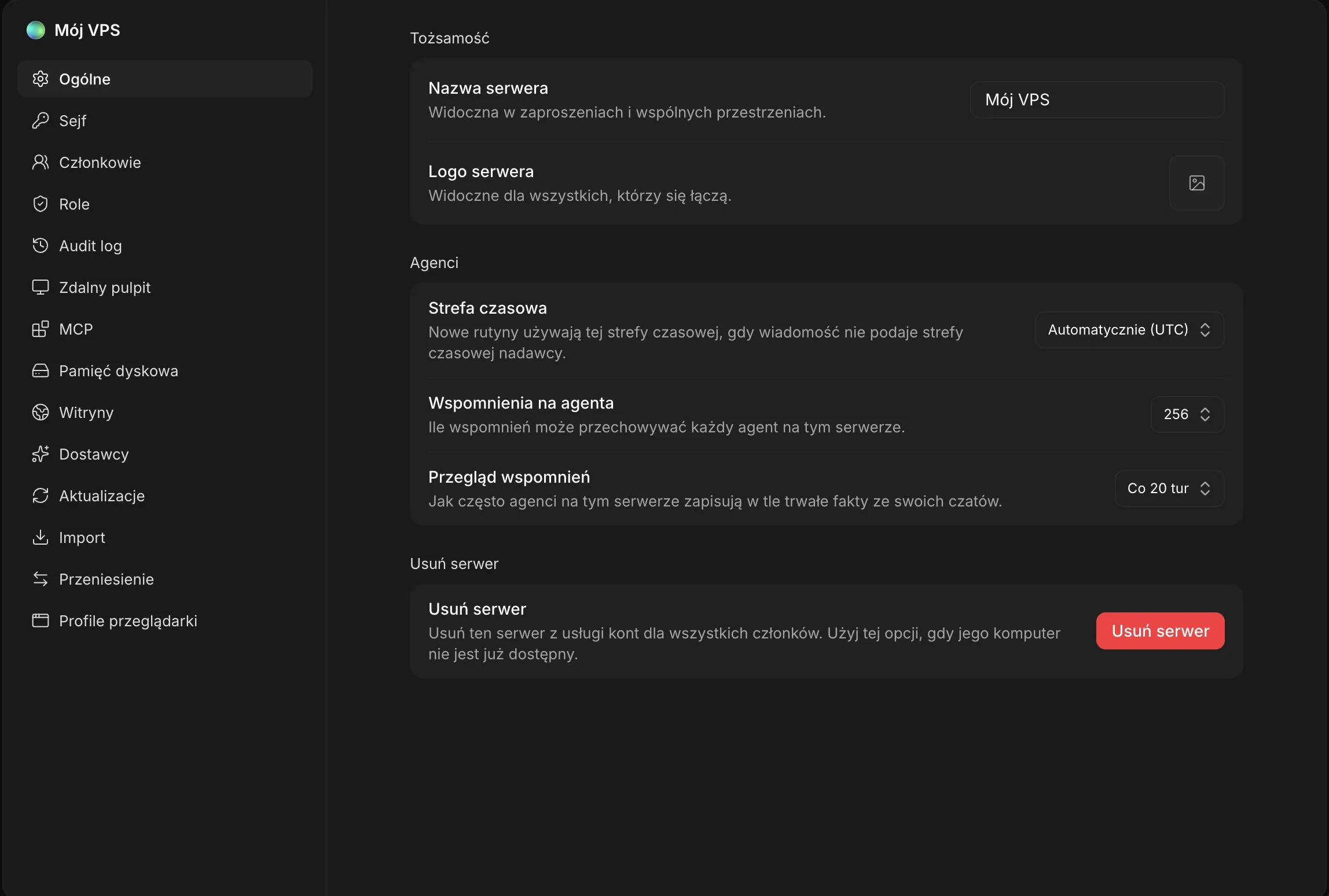
That is basically it. At the end, Grok showed me the configuration. I added my email and downloaded the app for my phone and my Mac. Now it is time for tests and feedback, which I will share soon.
Server cost:

If this helped, save the post and 👀 👋
What would you check first in the tests? I am collecting ideas for my feedback.
PS. Written by a layman, not a programmer. Do it at your own risk. 😉
An interesting discussion started under a similar post on X. You can learn a lot there, for example about server configurations.
Want to stay up to date?
New posts also go out over RSS — no email address needed. Subscribe via RSS