First test of the Comet browser
My first impressions from testing Comet - the Perplexity browser with an assistant that can browse websites for you.
A few months ago I signed up for the Comet tests, as soon as I saw the first news about the new browser. After a long wait I got an email saying that this time I finally had a chance to test it. So that is what I did. I used the invitation and downloaded the browser on macOS. Right after I launched it, my first thought was that I had seen this before - it is Chromium with the Perplexity AI engine inside.
What is Comet like to use? While you browse the internet, you feel that you have an extra assistant next to you, one that can summarize a website for you or expand on the article you are reading. The assistant in the side panel gives you what Perplexity can do, but it also lets you use extra features, such as quick access to shortcuts with instructions, taking screenshots or dictating prompts.
The biggest impression, though, was made by the agent, the so-called Comet Assistant, which carries out the commands you give it on websites. It looks as if someone were really browsing the internet for you. All you have to do is give the right command, for example “Take control of the browser and find the cheapest flight from point A to point B”, and you will see the bot do it for you. I am very surprised at how it notices pop-up windows by itself and closes them so it can carry on with the task. As a result you get a clear summary. Shocking.
I am going back to further tests.
You can read more about Comet at: https://www.perplexity.ai/comet
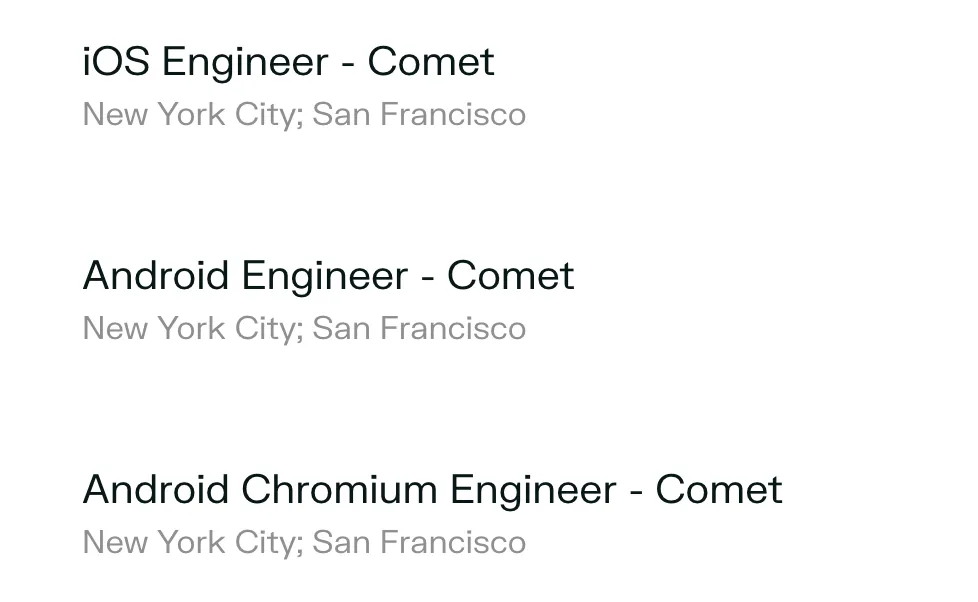
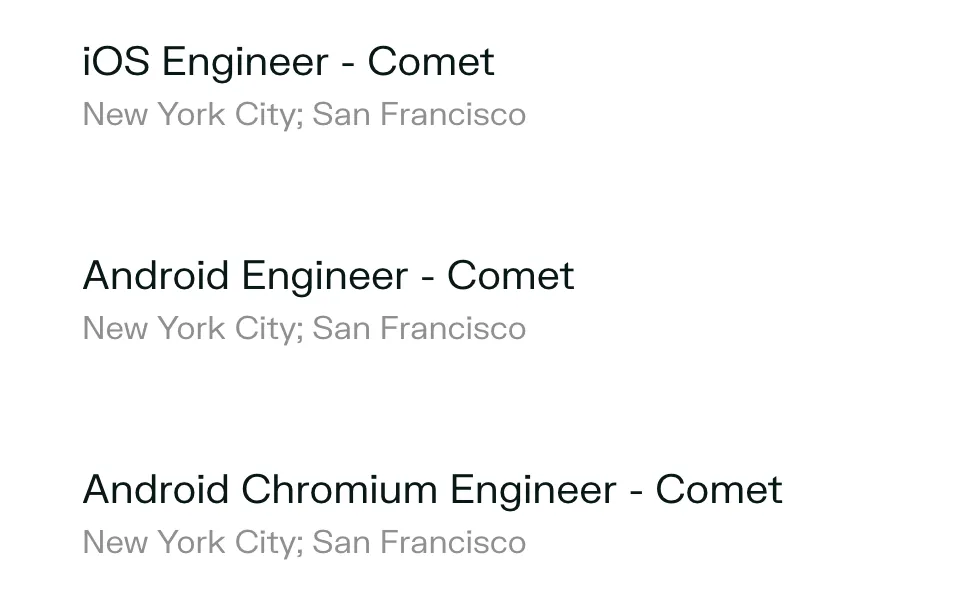
PS. On the Perplexity website I saw job openings for iOS Engineer Comet and for Android. Now I wonder how Comet will work on a phone. I cannot wait. 😉
New posts also go out over RSS — no email address needed. Subscribe via RSS