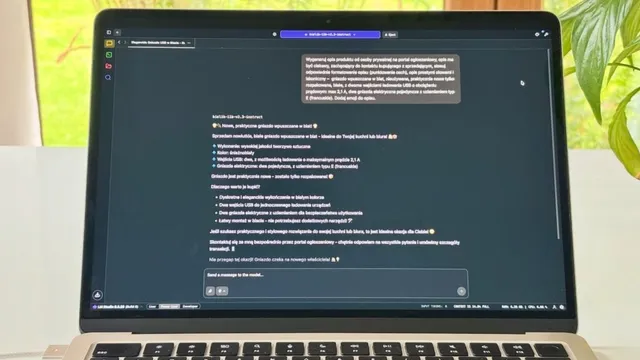
Discover audio summaries in NotebookLM! 🎧
Get to know NotebookLM and see how an audio summary can change the way you take in information from long articles and videos.
Do you ever feel that you are wasting time when you want to go through a long text or video? What if I told you there is a way around it? It is called NotebookLM by Google, and the audio summary feature!
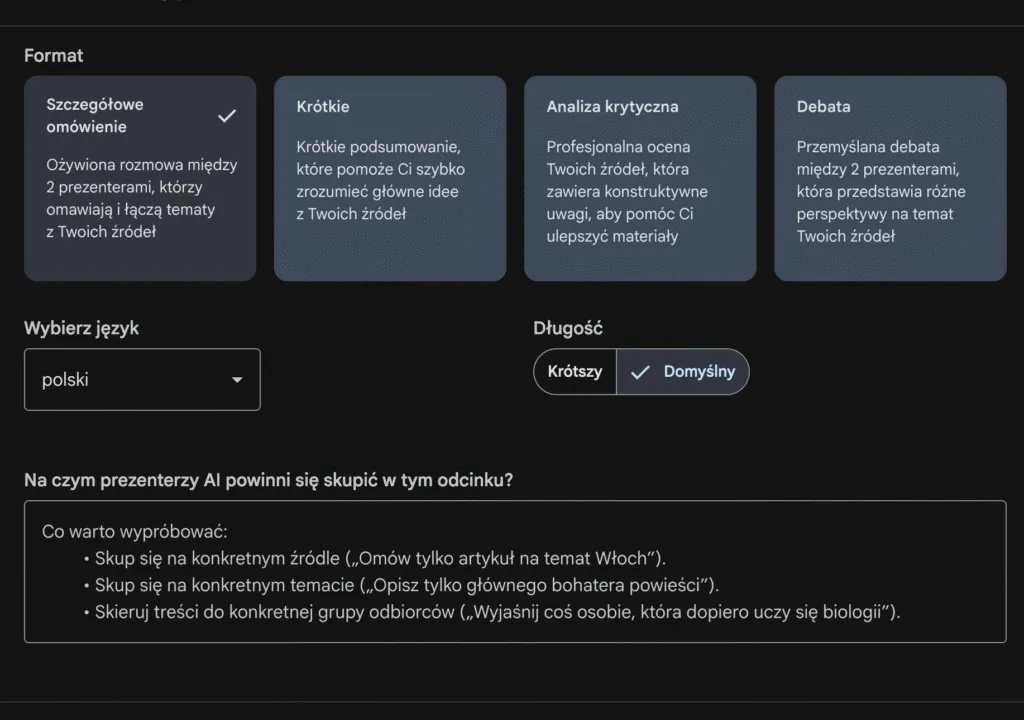
How does it work? Very simply. I create a notebook in NotebookLM and drop in links to the sources I care about, for example articles or videos on YouTube. Then I go to the Studio tab and set up my audio summary there. I set a few parameters by writing a short prompt with instructions on how the audio should sound. At the end I press generate and in a dozen or so minutes I get the finished audio, which I can listen to whenever it suits me.
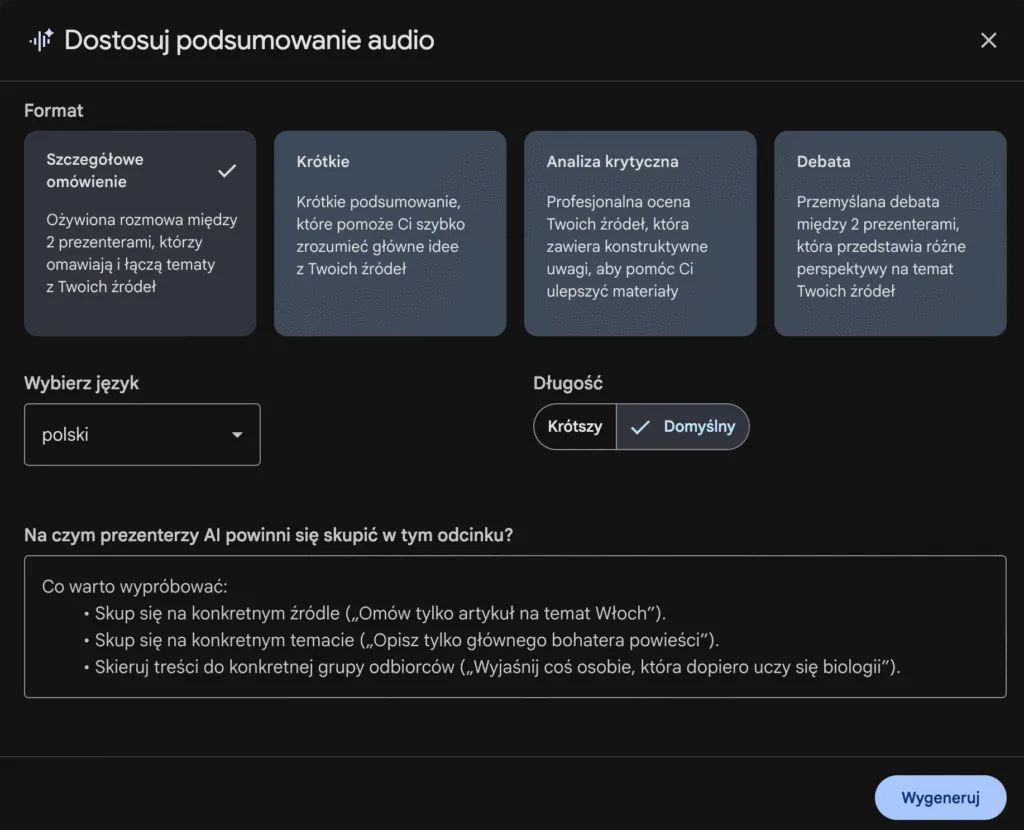
In the picture above: setting up the audio in the web version of Google’s NotebookLM
Thanks to audio summaries in NotebookLM:
🔹 I saved time - an audio summary lets me pull the most important information out of very large sources. Now I have more time for other things.
🔹 I can go through the key information in a form that suits me - I love listening to podcasts on the way to work.
🔹 I understand the content better - the generated audio lets me listen to it as a discussion between two AI voices.
Give it a go and see how it works! 🚀
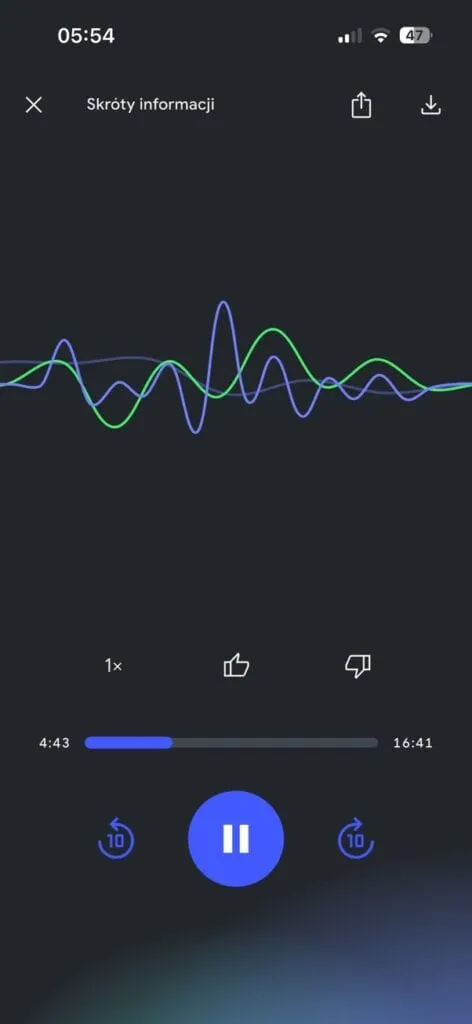
Playing the audio in the NotebookLM mobile app by Google
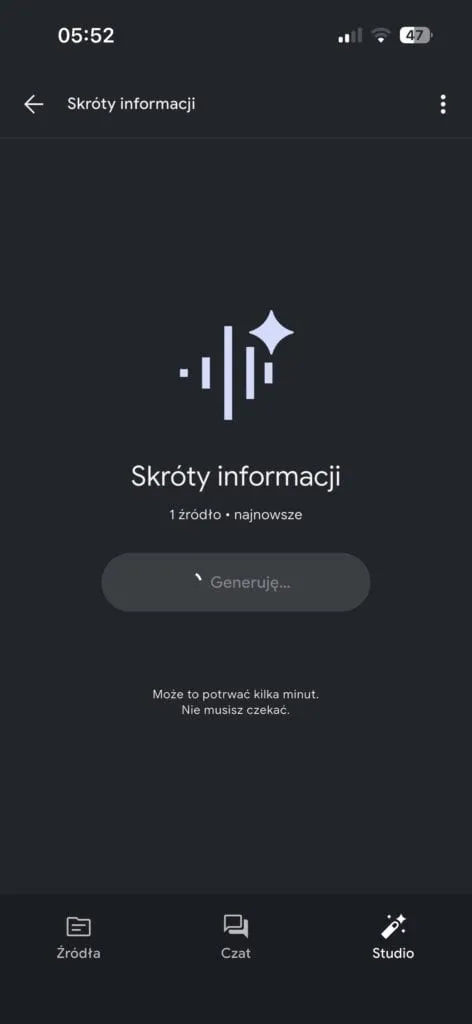
Generating audio in the NotebookLM mobile app by Google
New posts also go out over RSS — no email address needed. Subscribe via RSS